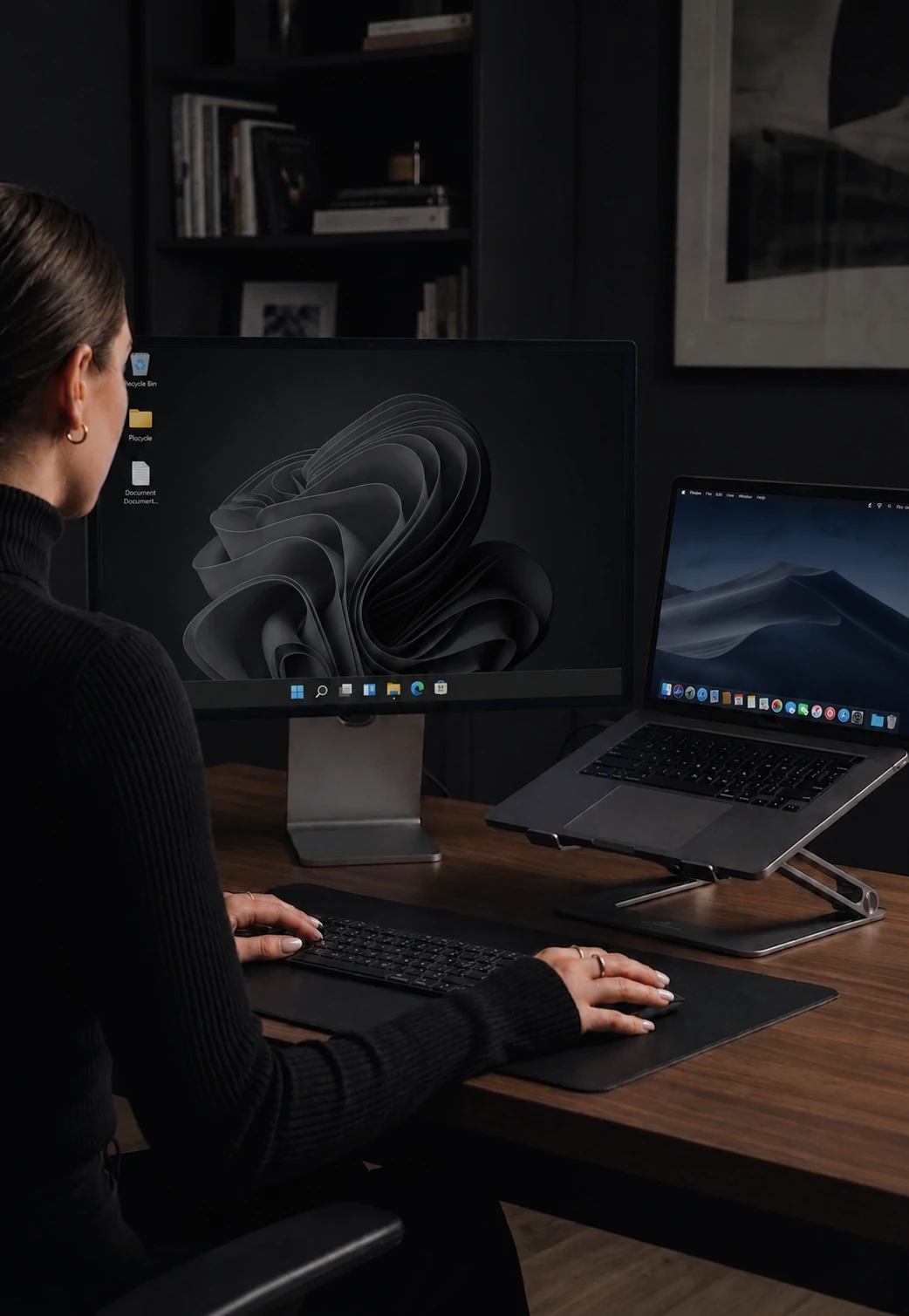

CursorHop vs Mouse Without Borders
Free and bundled in PowerToys, but Windows-only, capped at 4 PCs, and one file at a time up to 100 MB.
The honest read
Mouse Without Borders started as a 20%-time side project inside Microsoft's Garage program and now ships as a utility inside PowerToys. That's what it delivers: four PCs, Windows only, drag-drop limited to a single file up to 100 MB (zip a folder first), idle RAM around 110 MB, and the release cadence of a community-maintained PowerToys component. Encryption uses AES-256 with a generated security key.
The hard ceiling: no macOS build, no plans announced. One Mac on your desk and MWB is off the table.
CursorHop runs on Windows and macOS, scales to 10 devices, ships native drag-drop file transfer with no 100 MB cap, holds ~7 ms median latency, and idles at 18 MB. Noise encryption from day one. Screen dimming and raw-input Game Mode out of the box. Full-time development with a support inbox that actually answers.
See also: CursorHop vs Logitech Flow, CursorHop vs Barrier, CursorHop vs Synergy, and CursorHop vs ShareMouse, or scan the full KVM comparison matrix. Feature deep-dives: keyboard sharing and mouse sharing.
What each one ships today
Apples to apples. No footnotes-on-footnotes.
| Feature | Mouse Without Borders | CursorHop |
|---|---|---|
| Engine | .NET / C# | Rust (native, no GC) |
| Windows | Yes (Win 10+) | Windows 10+ |
| macOS | No | macOS 12+ |
| Linux | No | Coming soon |
| Max PCs supported | 4 | Up to 10 (Max tier) |
| Encryption | AES-256 (security key) | Noise, every tier |
| Pairing | Shared security code | mDNS + account pairing |
| Clipboard - images | Yes | Yes, every tier |
| File transfer | Drag-drop, 1 file at a time, 100 MB cap | Native drag-drop (no per-file cap) |
| Ctrl ⇄ Cmd translation | N/A (no Mac) | Automatic |
| Screen dimming | No | Auto-dim inactive screens |
| Game Mode (raw input) | No | Ctrl+G raw input mode |
| Full-time development | Microsoft Garage (part-time) | Yes |
| Pricing | Free | From $10 one-time |
CursorHop latency and throughput figures come from internal gigabit-LAN testing with both machines on the same switch. Real-world results vary with hardware, Wi-Fi congestion, and driver configuration. Competitor features and prices can change, so confirm current details with the vendor before purchasing.
Pick Mouse Without Borders if…
- All your computers are Windows, and four or fewer.
- You want zero cost and don't need to move folders or files over 100 MB.
Pick CursorHop if…
- You have a Mac on your desk too.
- You need more than 4 devices.
- You want a Rust engine with ~7 ms LAN latency.
- You move folders or files larger than 100 MB (MWB caps single transfers there).
- You want someone to reply when you email support.
Quick answers
Does Mouse Without Borders work on Mac?
No. Mouse Without Borders is Windows-only. If you need to share mouse and keyboard between a Windows PC and a Mac, CursorHop is one of the few actively maintained options that handles both natively.
Is Mouse Without Borders free?
Yes, Mouse Without Borders is free and now bundled inside Microsoft PowerToys (it originated as a Microsoft Garage project). CursorHop is paid (starting at $10 one-time, 2 devices). The trade-off is cross-platform support, active full-time development, Rust engine, drag-drop file transfer without MWB's 100 MB per-file cap, and features like screen dimming and game-mode raw input that MWB doesn't offer.
How many PCs can each one connect?
Mouse Without Borders caps at 4 Windows PCs. CursorHop scales to 10 devices on the Max tier, with full cross-platform support between Windows and macOS.
Is Mouse Without Borders encrypted?
Modern Mouse Without Borders (inside PowerToys) uses AES-256 with a generated security key to pair machines. CursorHop uses the Noise protocol on every tier. Both are encrypted in current versions.
Which has lower latency?
CursorHop's native Rust input pipeline holds a median around 7 ms on gigabit LAN in our internal tests. Mouse Without Borders has no published median latency figure. The documented MWB pain point is high-polling-rate input: PowerToys issue #26306 reports laggy mouse movement at 1000 Hz polling, with users resolving it by dropping the mouse polling rate to 125-250 Hz.
Bring your Mac to the desk.
7-day free trial. No credit card. Full feature set.
Mouse Without Borders and Microsoft® are trademarks of Microsoft Corporation. CursorHop is an independent product and is not affiliated with, endorsed by, or sponsored by the aforementioned. All trademarks are the property of their respective owners. Comparison claims are based on publicly available product pages, documentation, and user reports.