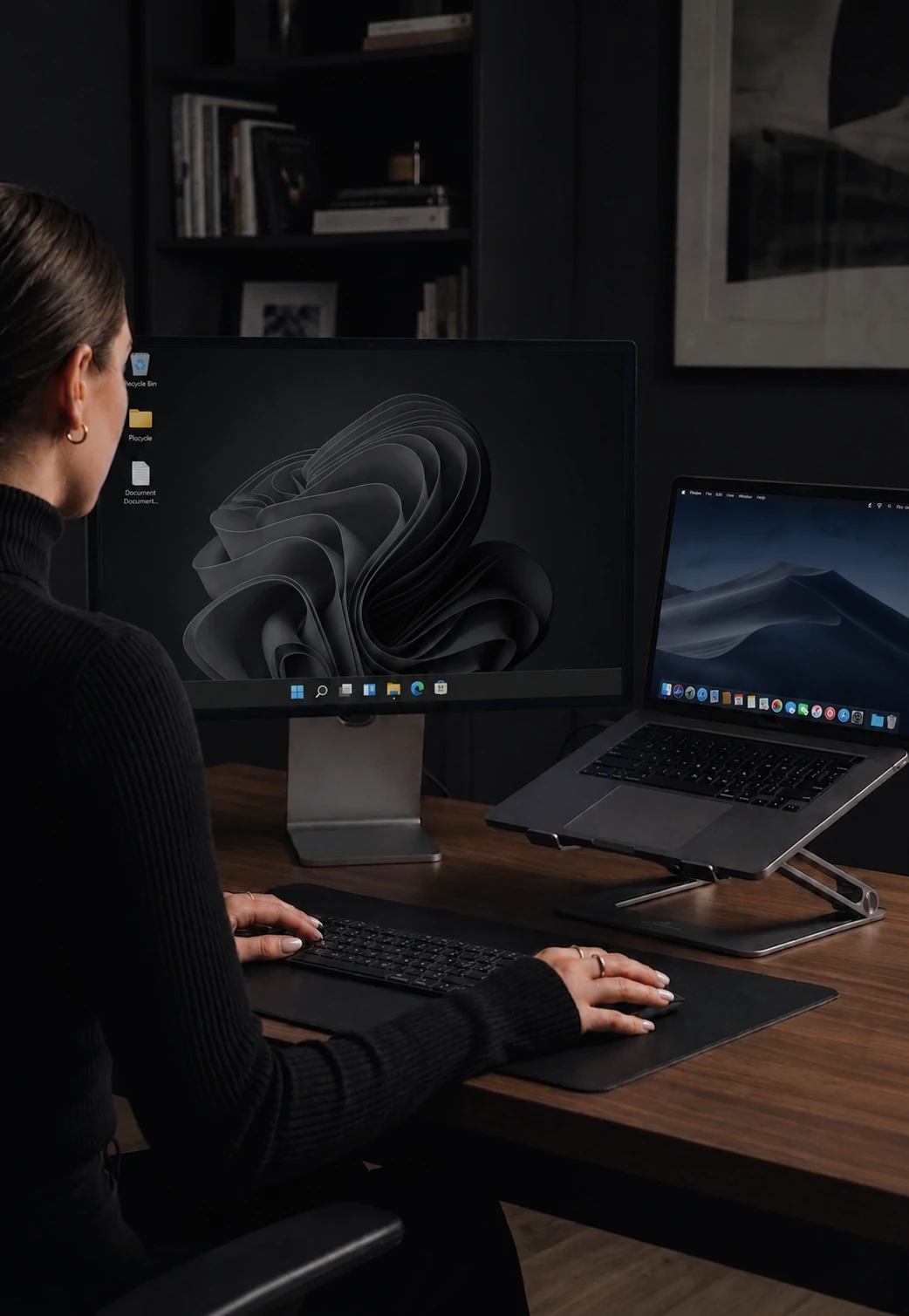

Secure, encrypted input between your computers
Keystrokes, cursor, clipboard, and files are all encrypted. Private even on a shared network.
What gets encrypted
Everything that travels between your computers. Mouse movement, click events, scroll input, every keystroke (including passwords and sensitive text), clipboard contents, and file transfers. Nothing leaves your machine unencrypted.
If someone is sniffing your network, they see only encrypted traffic.
Modern, industry-standard encryption
The same family of cryptography that protects modern messaging and VPN tools. Designed for security and performance, and trusted for protecting real-time communications.
Why encryption matters for input sharing
When you share a mouse and keyboard between computers, every action you take travels over the network. Without encryption, anyone on the same network could capture it and reconstruct exactly what you typed - passwords, private messages, confidential documents. On a shared office, co-working space, or university network, this is a real risk.
Zero setup, always on
No settings to toggle, no certificates to install, no passphrases to remember. The first time two machines connect, they handle encryption themselves and stay encrypted from then on. You cannot accidentally run without it.
Contrast with unencrypted alternatives
Many legacy input-sharing tools send keystrokes and mouse data in plaintext. Anyone with a packet sniffer on the same network can see everything you type. CursorHop was designed from the ground up with encryption as a core feature, not an add-on.
Encryption availability
Encryption is available on all plans, including the 7-day trial. All data between your devices is encrypted automatically. The trial uses the Pro Plus feature set for up to 5 computers. Pro supports 2 computers, Pro Plus supports 5, and Max supports 10.
How it compares
CursorHop encrypts by default on every tier. See CursorHop vs Synergy (encryption historically gated to paid tiers) and CursorHop vs ShareMouse (encryption only on paid plans).
Encryption FAQ
What encryption does CursorHop use?
Modern, industry-standard encryption - the same kind used to secure messaging apps and VPN tools. Always on.
Is encryption on by default?
Yes. Encryption is always on - every tier including the 7-day free trial. There is no toggle to enable and no way to accidentally run unencrypted.
What data is encrypted?
Everything that travels between computers: mouse movement, click events, scroll input, every keystroke (including passwords), clipboard content, and file transfers. Nothing leaves your machine in plaintext.
How is this different from other software KVMs?
Barrier made encryption optional. Older Synergy tiers required a paid plan for it. ShareMouse puts encryption behind paid tiers. CursorHop encrypts on every tier by default - which matters on shared office, co-working, or university networks.