
Dim your other screen when you switch computers
Inactive screens dim when you switch computers. Adjustable, and it restores instantly.
What screen dimming does
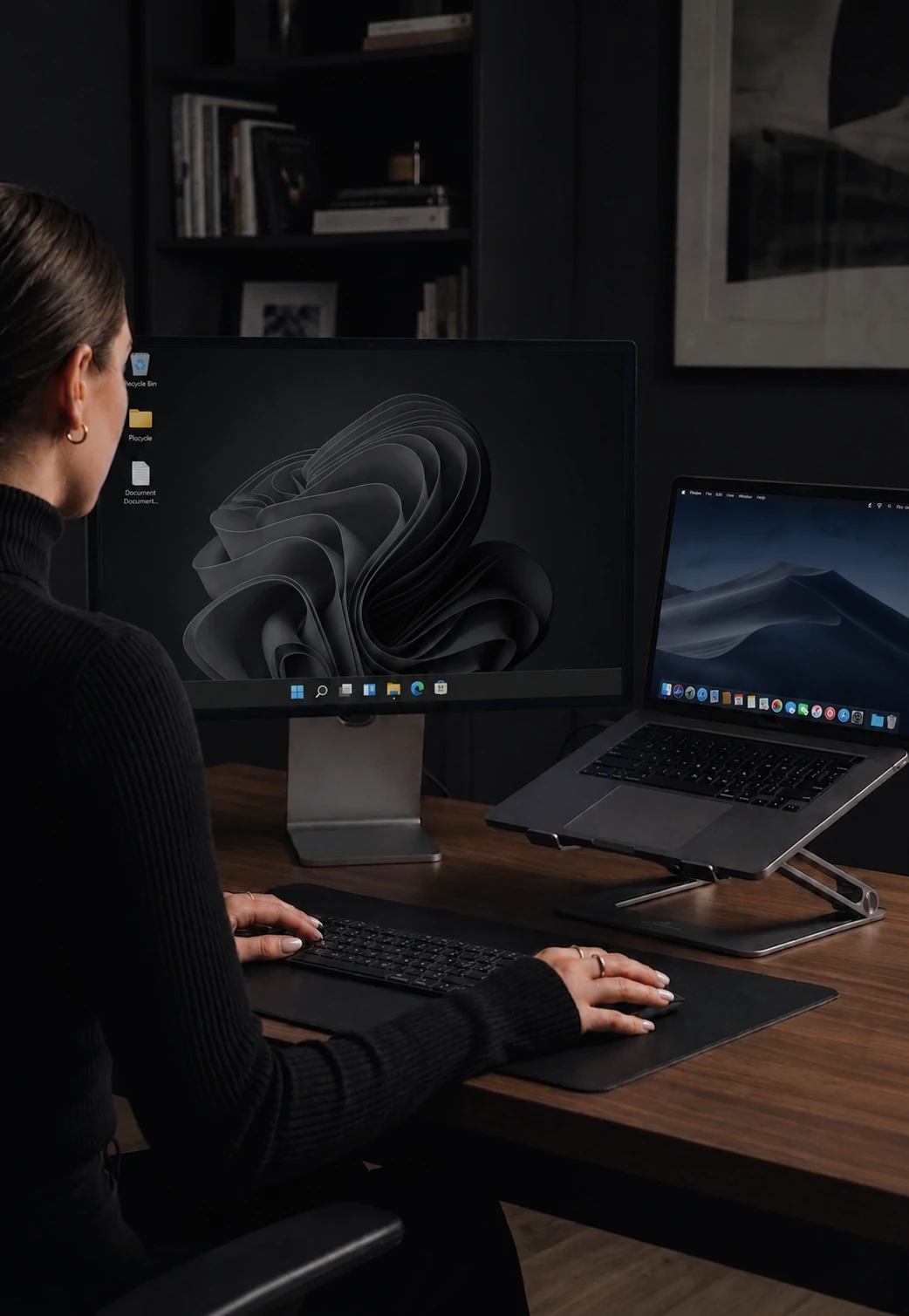
When you move your cursor from one computer to another, CursorHop fades the screen you just left. The inactive display dims and the active one stays bright. When you move back, the screen restores to full brightness.
It works on any monitor your OS can show a desktop on - internal laptop displays, external monitors, ultrawide, 4K - with no special hardware, cables, or firmware tricks.
Adjust how much it dims
A brightness slider sets how much the inactive screen fades. Light dimming if you still want to glance at content, full dark if you want a clear visual hierarchy. Each computer can have its own value, so you can dim secondary monitors more aggressively than your main display.
Instant restore
When your cursor moves back to a dimmed screen, brightness restores immediately. The screen is fully bright by the time your cursor arrives - no fade-in delay.
Reduces distractions
Working across multiple computers means multiple screens competing for your attention. A bright display showing email, chat, or an IDE pulls your eye away from the screen you are actually using. Dimming the inactive ones creates a clear visual hierarchy - the bright screen is where your focus belongs.
Tier availability
Max tier only. One of the two features that distinguishes Max from Pro Plus, alongside power and session sync.
How it compares
Screen dimming is not offered by Synergy, Barrier, Mouse Without Borders, or Logitech Flow - it's a feature unique to CursorHop among active software KVMs. See CursorHop vs Synergy and the full comparison hub for the feature matrix.
Screen dimming FAQ
What is automatic screen dimming?
When you move your cursor from one computer to another, CursorHop fades the screen you just left to a configurable brightness. The inactive display dims and the active one stays bright - a visual hierarchy that reduces eye strain and makes it obvious where your focus is.
Can I control how much the screen dims?
Yes. A brightness slider lets you set how much the inactive screen fades, from barely dimmed to fully dark. Each computer can have its own value, so you can dim secondary monitors more aggressively.
Does it work with any monitor?
Yes. Screen dimming works on internal laptop displays, external monitors, ultrawide, and 4K - any display your OS can show a desktop on. No special monitor hardware, no cables, no firmware tricks.
Which tiers include screen dimming?
Screen dimming is exclusive to the Max tier. It is not included on the free trial, Pro, or Pro Plus - it's the headline feature gate between Pro Plus and Max, alongside power/session sync.