
Pay once. Use forever.
One purchase, lifetime access. No subscriptions, no renewals.
CursorHop plans
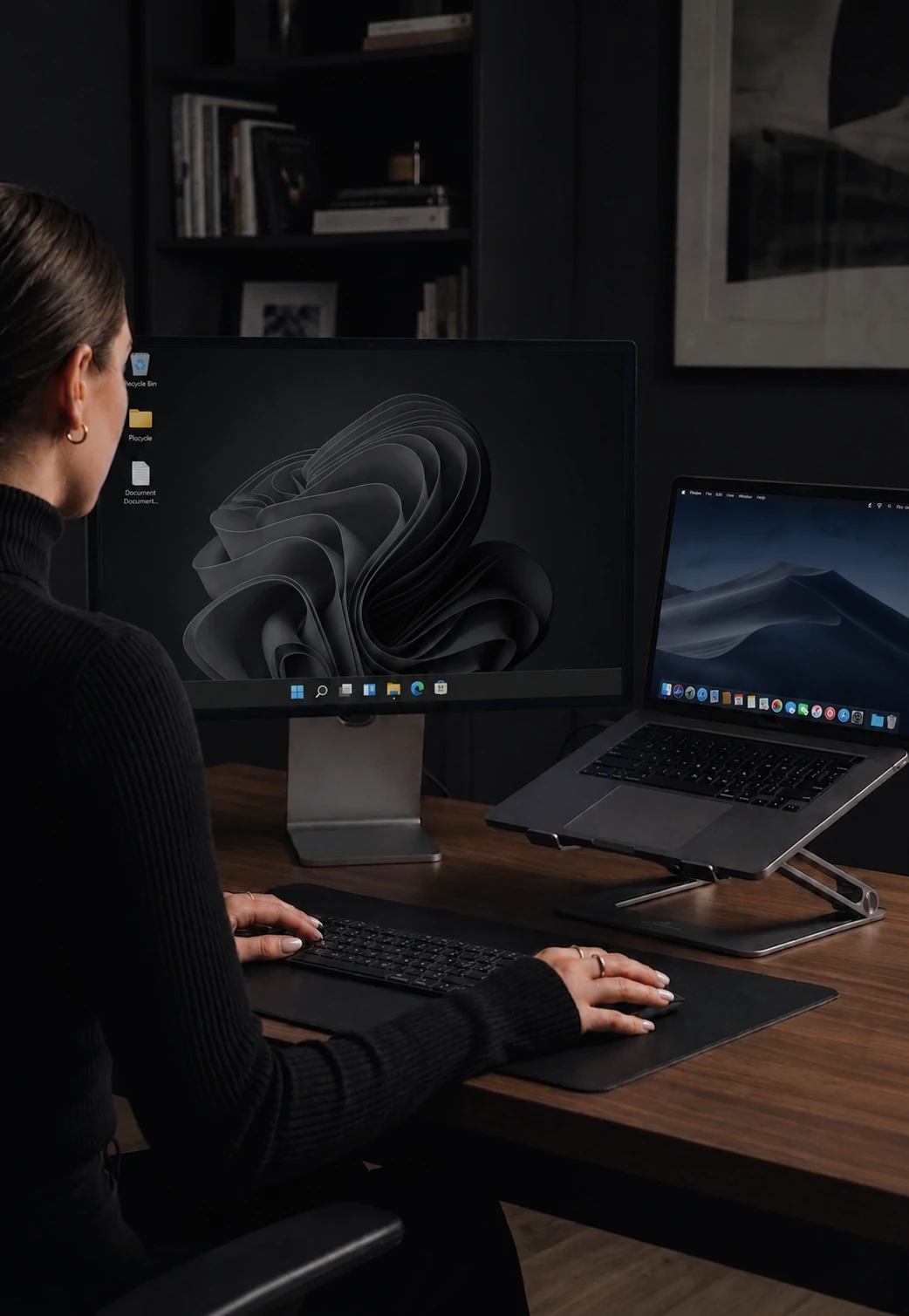
Perfect for the basic two-screen setup.
2 computers · lifetime licence
- Mouse sharing
- Keyboard sharing
- Clipboard sync
- Auto discovery
- Noise encryption
- Clipboard files
- File transfer
- Game mode
- Display dimming
- Power / session sync
- Priority support
For power users and developers.
5 computers · lifetime licence
- Mouse sharing
- Keyboard sharing
- Clipboard sync
- Auto discovery
- Noise encryption
- Clipboard files
- File transfer
- Game mode
- Display dimming
- Power / session sync
- Priority support
For homelabs and small offices.
10 computers · lifetime licence
- Mouse sharing
- Keyboard sharing
- Clipboard sync
- Auto discovery
- Noise encryption
- Clipboard files
- File transfer
- Game mode
- Display dimming
- Power / session sync
- Priority support
TRUSTED BY PEOPLE WHO USE TOO MANY COMPUTERS
"Paid once and it replaced my annual subscription to another tool. Best software purchase I made this year."
"The trial period convinced me immediately. When I needed more features, upgrading was a no-brainer."
"Max tier for my office - 10 computers, one keyboard. The one-time price paid for itself in the first month."
Everything included, by tier.
Every plan carries the same core: mouse sharing, keyboard sharing with Windows and macOS shortcut translation, clipboard text and image sync, automatic local-network discovery, and Noise-protocol encryption. Pro is $10 for 2 computers and that core. Pro Plus is $20 for 5 computers and adds drag-and-drop file transfer, clipboard file sync, Game Mode, and priority support. Max is $35 for 10 computers and is the only tier with display dimming and power / session sync. Every plan is a one-time purchase. Pick on your computer count first, then on whether you want the two Max-only features.
| Feature | Pro $20 $10 | Pro Plus $40 $20 | Max $70 $35 |
|---|---|---|---|
| Core Features | |||
| Computers | 2 | 5 | 10 |
| Mouse sharing | Included | Included | Included |
| Keyboard sharing | Included | Included | Included |
| Clipboard sync (text + images) | Included | Included | Included |
| Auto discovery | Included | Included | Included |
| Noise encryption | Included | Included | Included |
| Pro Plus Features | |||
| Clipboard files | Not included | Included | Included |
| File transfer + edge drag-drop | Not included | Included | Included |
| Game Mode | Not included | Included | Included |
| Max Features | |||
| Display dimming + brightness | Not included | Not included | Included |
| Power / session sync | Not included | Not included | Included |
| Support | |||
| Community support | Included | Included | Included |
| Priority support | Not included | Included | Included |
50% OFFBuy Pro | 50% OFFBuy Pro Plus | 50% OFFBuy Max | |
Common questions.
Is it really a one-time purchase?
Yes. Pay once and use CursorHop forever. Your license never expires. You get 12 months of free updates included.
What counts as a "computer"?
Any Windows or macOS device you install CursorHop on and register to your account counts as one computer toward your tier limit.
Can I upgrade between tiers?
Absolutely. Your account and devices carry over. Just purchase a higher tier from your account dashboard and you're upgraded instantly.
How does the 7-day trial work?
Download CursorHop and create an account to start your 7-day free trial. The trial unlocks the Pro Plus feature set at a 5-device cap - mouse and keyboard sharing, clipboard text + images + files, auto-discovery, encryption, file transfer, and Game Mode. Screen dimming and Power / Session Sync are Max-exclusive and not included in the trial. No credit card required. After 7 days, you'll need to purchase a plan to continue using CursorHop. All plans include a 14-day money-back guarantee.
What payment methods do you accept?
All major credit cards, debit cards, Apple Pay, and Google Pay through our secure Stripe checkout.
What is your refund policy?
You can request a full refund within 14 days of your first purchase. After 14 days, only upgrade payments are refundable. Each account is limited to a maximum of 1 refund - after that, all purchases are final. See our Terms of Service for full details.
Which CursorHop plan should I buy?
Count your computers first, then check the two Max-only features. Pro at $10 covers a two-machine desk - one laptop and one desktop - with mouse, keyboard, clipboard text and images, auto-discovery, and encryption. Pro Plus at $20 is the common pick: five computers plus drag-and-drop file transfer, clipboard file sync, Game Mode, and priority support. Max at $35 raises the cap to ten computers and is the only plan with display dimming and power / session sync.
How much does an upgrade cost?
Only the difference. Upgrading Pro to Pro Plus costs $10, Pro to Max costs $25, and Pro Plus to Max costs $15. You are never charged twice for the same tier, and your devices and settings carry across the upgrade untouched.
Is there a subscription, or does the license expire?
Neither. Every CursorHop plan is a single one-time payment with no renewal, and the license does not expire. Twelve months of updates are included from the purchase date; after that the version you own keeps working forever.
Do I pay per computer?
No. One purchase covers every computer up to your plan cap - 2 on Pro, 5 on Pro Plus, 10 on Max. A ten-machine Max license works out to $3.50 per computer, paid once.
Get started today.
One purchase. Lifetime access.