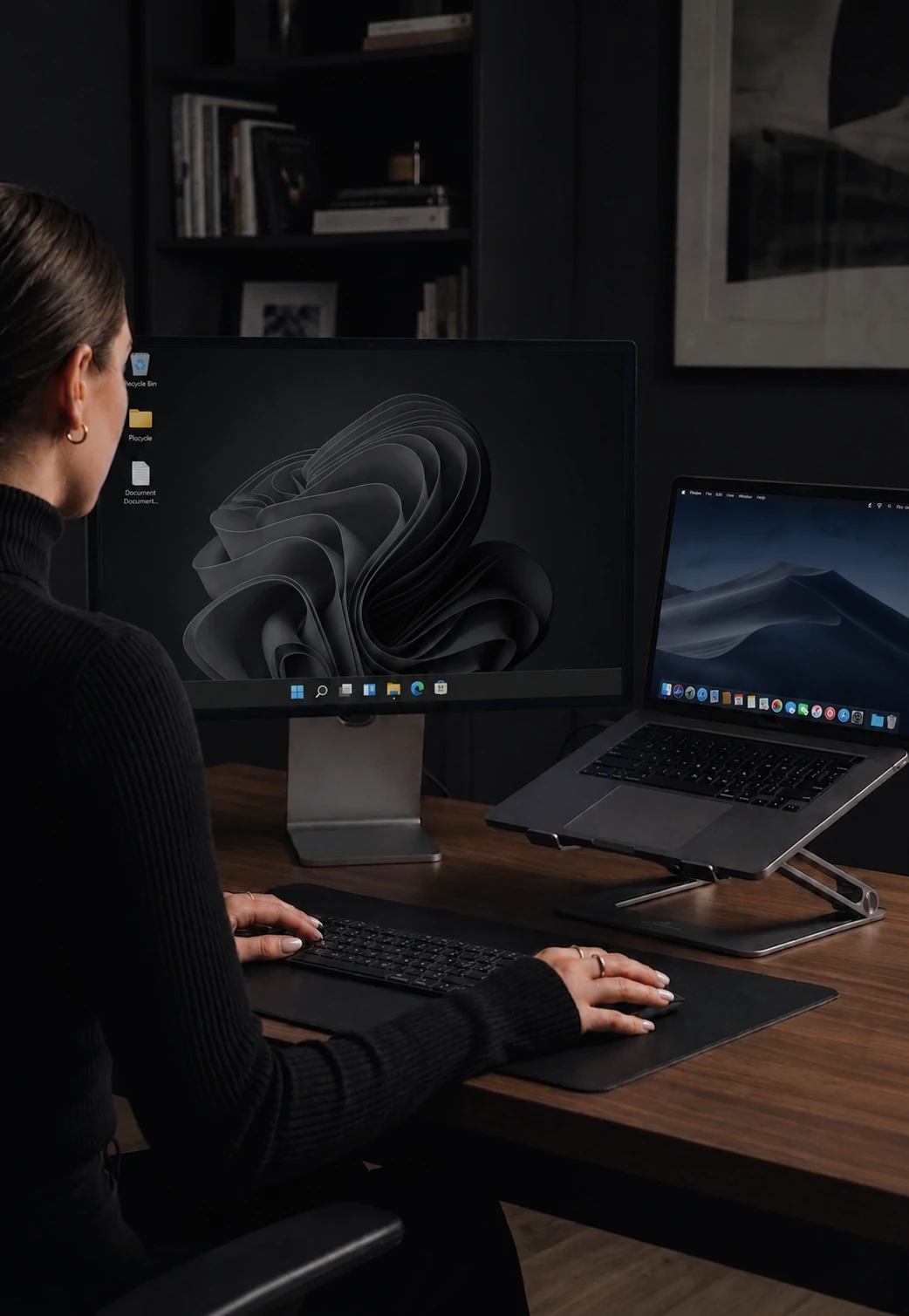

Copy and paste between two computers
Copy on one computer, paste on another. Text, images, and files, over your LAN.
How clipboard sharing works
Copy on one computer. Move your cursor to another. Paste. The content is already there.
The sync happens the moment you copy. For text it feels instant. Images may take a fraction of a second on larger files.
Copy on one, paste on another
The workflow is exactly what you would expect: highlight text on Computer A, press Ctrl+C, move your cursor to Computer B, press Ctrl+V. The text appears. No extra steps, no intermediate clipboard managers, no manual sync buttons.
Text and images
CursorHop transfers text, formatted text, and images. Copy a formatted paragraph from a document on one machine and paste it with formatting intact on another. Copy a screenshot or diagram and paste it directly into an application on the other computer.
Bidirectional sync
Clipboard sharing works in both directions. There is no "source" and "destination" - any computer can be the copier and any can be the paster. The most recent copy wins.
Near-instant on LAN
Because clipboard data travels directly between computers on your local network, transfers feel immediate. Even larger images arrive in well under a second on a typical home or office network.
Privacy and encryption
Clipboard data can contain sensitive content - passwords, personal messages, code snippets. CursorHop encrypts clipboard data before it leaves the source machine on every plan. On shared networks, this ensures nobody else can intercept what you copied.
Clipboard sharing availability
Clipboard text and image sharing is available on all plans. The 7-day trial uses the Pro Plus feature set for up to 5 computers. Pro supports 2 computers, Pro Plus supports 5, and Max supports 10. Clipboard files require the trial, Pro Plus, or Max.
How it compares
CursorHop clipboard sync includes text, rich text, and images on every tier, with encryption. For how that compares, see CursorHop vs ShareMouse (clipboard images only in paid tiers) and CursorHop vs Barrier (text-only clipboard).
Clipboard sharing FAQ
Can I copy and paste between Mac and Windows?
Yes. Copy on one computer, move your cursor to another, paste. CursorHop syncs the clipboard over your local network the moment you copy - by the time you press Ctrl+V (or Cmd+V), the content has already arrived.
Does clipboard sharing work with images?
Yes. CursorHop transfers text, formatted text, and images. Copy a screenshot on one machine and paste it straight into an application on another. Image transfers feel near-instant on a typical home or office network.
Is clipboard data encrypted?
Yes. All clipboard data is encrypted before it leaves the source machine - on every tier, including the 7-day free trial. Nothing travels through a cloud server; transfers stay on your local network.
Which tiers include clipboard files?
Text and image clipboard sync is available on every tier (Free Trial, Pro, Pro Plus, Max). Clipboard files - copying a file from one machine's file manager and pasting on another - is available on Free Trial, Pro Plus, and Max. Pro does not include clipboard files.