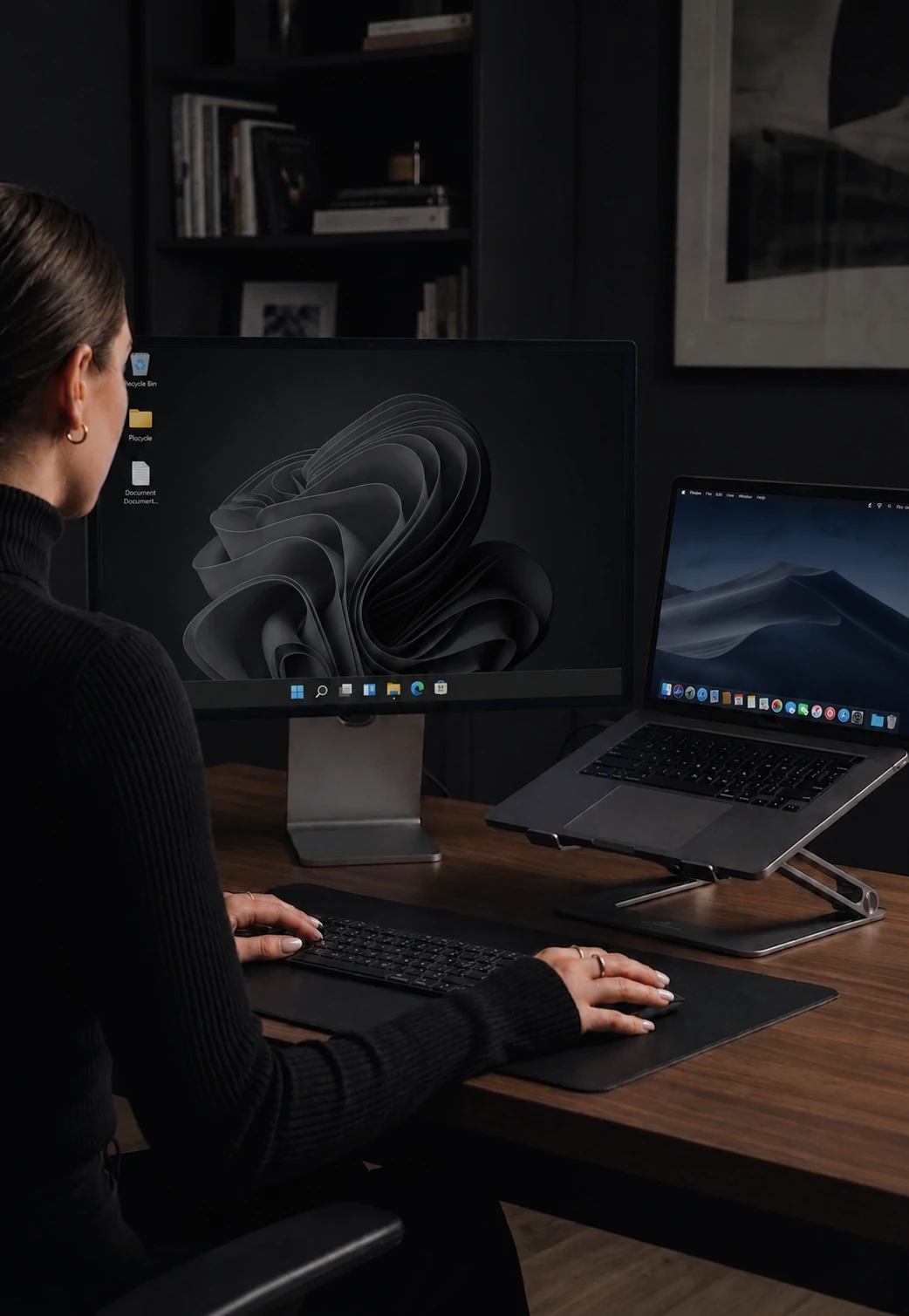

Download CursorHop
Windows 10+ and macOS 12+. Free 7-day trial.
Get CursorHop
Install it on every computer you want to share input across. Two machines is the minimum useful setup.
Using an Intel Mac? Download the Intel build
- Version
- v0.11.8
- Size
- 340 MB
- Runs on
- Windows 10+, macOS 12+
- Licence
- 7-day trial, no card
By downloading CursorHop, you agree to our Terms of Service, License Agreement, and Privacy Policy. See our Refund Policy for return terms.
Windows
- Windows 10 or later
- 64-bit processor
- 340 MB disk space
- .NET 6 Runtime (bundled)
macOS
- macOS 12 or later
- Intel or Apple Silicon
- 340 MB disk space
- Accessibility permission
Network
- Both computers on the same LAN
- Wi-Fi or Ethernet
- No internet required for device-to-device control
- Ports 24800-24802 (auto-configured)
Input moves peer-to-peer on your LAN with Noise encryption. Only your account and license sync through CursorHop.
-
Install on every computer
Run the installer on each machine you want to share input across.
-
Create an account
Sign up with your email. It manages your device licenses and the 7-day free trial. No credit card.
-
Sign in and hop
Log in on each machine. CursorHop auto-discovers others on the same LAN. Push your cursor to the screen edge to hop.
Do I need to install CursorHop on every computer?
Yes. CursorHop is peer software, not a server you point machines at. Install it on every computer you want to share input with, sign in to the same account on each one, and keep them on the same local network. Two machines is the minimum useful setup.
What do I get during the 7-day free trial?
The trial runs the Pro Plus feature set across 5 computers: mouse and keyboard sharing, clipboard text and images, clipboard files, drag-and-drop file transfer, auto-discovery, Game Mode, and Noise encryption. Screen dimming and Power & Session Sync are Max-only and are not part of the trial. No credit card is required to start.
Does it work between Windows and Mac?
Yes, in any combination. Windows to Mac, Mac to Windows, or several machines on the same platform. CursorHop is native on Windows 10 and later and on macOS 12 and later, on both Intel and Apple Silicon. Linux is not supported yet.
Does my input or clipboard leave the local network?
No. Mouse movement, keystrokes, clipboard contents, and transferred files move directly between your computers over your own LAN, encrypted with the Noise protocol. The only traffic that reaches cursorhop.com is account sign-in, license verification, and the update check.
Why does macOS ask for Accessibility permission?
macOS requires the Accessibility permission before an app can post synthetic mouse and keyboard events, which is exactly what a software KVM does. Grant it under System Settings, Privacy & Security, Accessibility. Without it the cursor will hop but keystrokes will not land.
What if my firewall blocks the connection?
CursorHop uses ports 24800 to 24802 on the local network and configures them automatically on install. If your machines cannot see each other, allow CursorHop through Windows Defender Firewall or the macOS firewall, and check that your router or workplace network is not isolating clients from one another.
Still stuck? The setup guide walks through a first connection step by step, and what is a software KVM covers how this differs from a hardware switch.