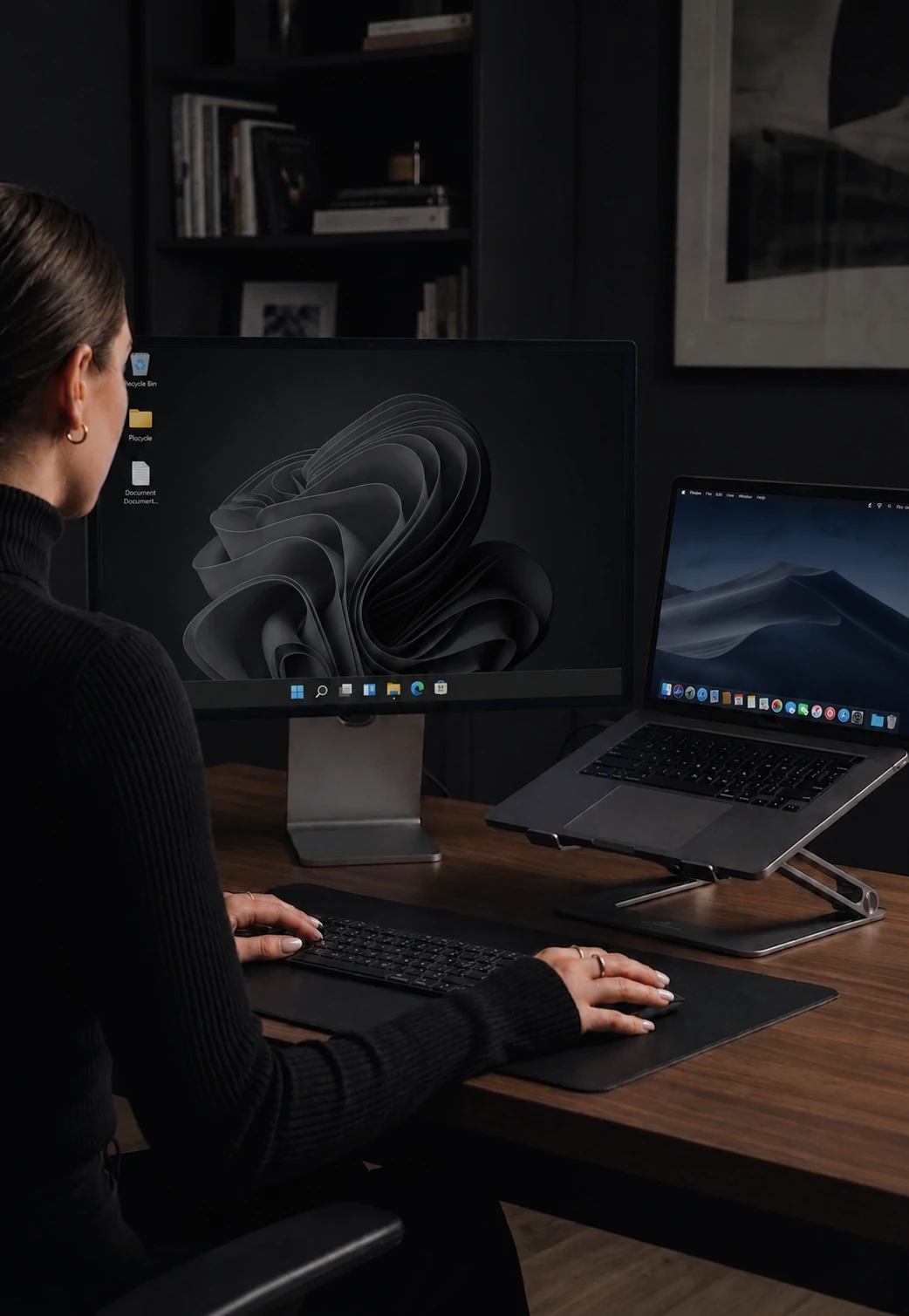

Drag files between your computers instantly
Drag a file to the screen edge and it lands on the other computer. No USB, no cloud.
How file transfer works
Drag a file toward the screen edge and it continues onto the other computer's display. Drop it where you want. The file travels directly over your local network and lands on the receiving side - no upload dialog, no cloud, no link to copy.
Drag and drop between computers
The interaction is identical to moving a file between folders on the same machine. Pick up the file, drag it to the edge of your screen, and it continues onto the other computer. Release wherever you want. A typical document or photo lands on the other machine almost before you switch back to it.
Any file type
Documents, images, videos, archives, project folders (zipped) - anything your file system can hold. CursorHop does not inspect or modify the file. The only practical limit is the disk space on the receiving machine.
No USB drives or cloud services needed
Before CursorHop, transferring a file between two computers sitting on the same desk meant either plugging in a USB drive, emailing the file to yourself, or uploading to a cloud service and downloading on the other side. All of these are slow and awkward for local transfers. CursorHop sends files directly between machines - the shortest possible path.
Encrypted on every plan
File transfers are encrypted before leaving the source machine. This matters if you are on a shared office or university network where other devices could theoretically intercept traffic. The encryption is automatic - no setup required.
Transfer progress
For larger files, CursorHop shows a small progress indicator on both sending and receiving machines. You can see how it is going and cancel if you change your mind.
File transfer availability
File transfer is available during the 7-day trial and on Pro Plus and Max. It is not included in the Pro tier. The trial uses the Pro Plus feature set for up to 5 computers.
How it compares
CursorHop includes drag-drop file transfer on Pro Plus and Max - competitors either charge extra or don't offer it. See CursorHop vs ShareMouse (paid-tier file transfer) and CursorHop vs Barrier (no built-in file transfer at all).
File transfer FAQ
How fast is file transfer between computers?
Fast. Transfers run over your local network - not the cloud - so they finish at LAN speed. A typical document or photo lands on the other machine almost before you let go of the mouse.
Does file transfer go through the cloud?
No. Files travel directly between machines on your local network. Data never leaves your LAN, never touches a cloud server, and never uses your internet bandwidth.
Is it really drag and drop?
Yes. Drag a file toward the screen edge and it continues onto the other computer's display. Drop it on the desktop, into a folder, or into an application - wherever you release the mouse. No upload dialog, no link, no file picker.
Which tier includes file transfer?
File transfer is included in the 7-day free trial, Pro Plus, and Max tiers. Pro does not include file transfer - that's the main gate between Pro and Pro Plus. All file transfers are encrypted.