
Help Center
Setup, troubleshooting, and common questions.
Up and running in two minutes
Follow these three steps to connect your computers.
Install on each computer
Download CursorHop on every computer you want to connect. Available for Windows 10+ and macOS 12+.
Create an account
Sign up with your email. Your account manages your device licenses and settings.
Connect and go
Sign in on each computer. CursorHop auto-discovers devices on your network - just move your cursor to the edge and hop.
System Requirements
Windows
- Windows 10 or later
- 64-bit processor
- 340 MB disk space
macOS
- macOS 12 Monterey or later
- Intel or Apple Silicon
- Accessibility permission
Network
- Same local network (LAN)
- Wi-Fi or Ethernet
- Device-to-device data stays on the LAN
Setup & Features
How does auto-discovery work?
CursorHop uses mDNS auto-discovery to broadcast its presence on your local network. Other CursorHop instances hear the announcement and appear in your device list automatically. No IP addresses or configuration needed.
Do both computers need CursorHop installed?
Can I use CursorHop over the internet?
CursorHop is designed for local networks only. For security and performance, it does not work over the internet. Both computers must be on the same LAN. All input is encrypted with the Noise protocol on every tier.
Does CursorHop share my screen or send video between computers?
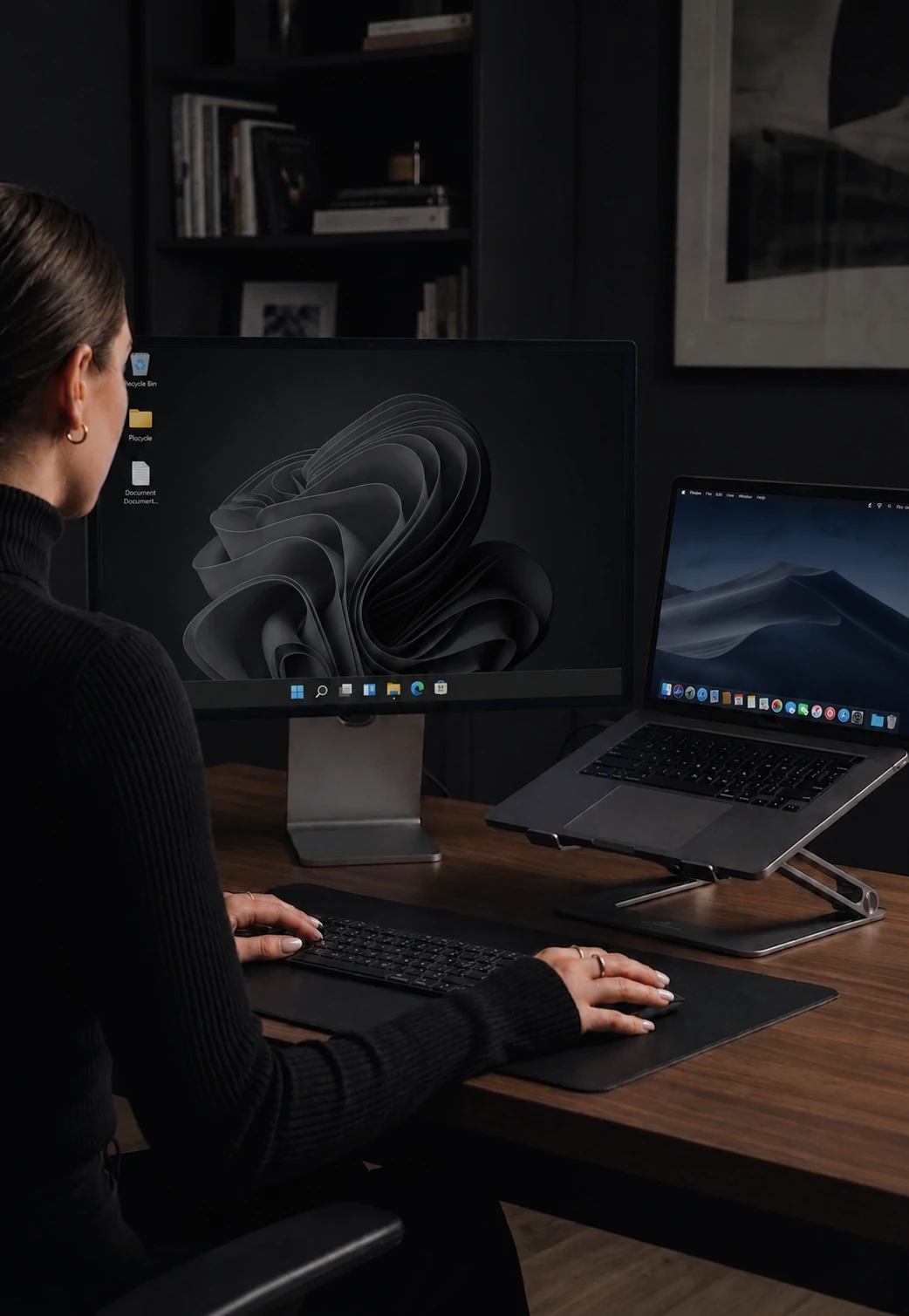
No. CursorHop is a software KVM without the video. It moves keyboard input, mouse input, clipboard contents, and files between machines - each computer keeps driving its own monitors. If you want one screen to show another machine, you want remote desktop software instead.
Does CursorHop work over Wi-Fi, or do I need Ethernet?
Wi-Fi works. Both computers only need to be on the same local network. Wired gigabit Ethernet gives the lowest and steadiest latency, around 7 ms median in our internal tests, and a modern 5 GHz or 6 GHz Wi-Fi network is close enough that cursor movement still feels local.
How do I move files between two computers?
Drag the file toward the screen edge and keep going - the cursor hops and the file lands on the other computer. Transfers run direct over your LAN at roughly 70 Mbps and stay encrypted end to end. File transfer and clipboard file sync are included on the free trial, Pro Plus, and Max.
Plans, Payments & Upgrades
Is it really a one-time purchase?
Yes. Pay once and use CursorHop forever. Your license never expires. You get 12 months of free updates included - new features ship continuously, tracked on the changelog. Full tier pricing lives on the pricing page.
Can I upgrade between tiers?
Absolutely. Your account and devices carry over. Just purchase a higher tier from your account dashboard and you're upgraded instantly.
Is there a free trial?
Yes. Download CursorHop and create an account to start a 7-day free trial with the Pro Plus feature set for up to 5 devices. Screen dimming and Power / Session Sync are Max-only and are not included. No credit card is required. All plans include a 14-day money-back guarantee.
What payment methods do you accept?
All major credit cards, debit cards, Apple Pay, and Google Pay through our secure Stripe checkout.
Common Issues & Fixes
CursorHop isn't detecting my other computer
Make sure both computers are on the same local network (same Wi-Fi or connected to the same router). Allow CursorHop through the firewall on its default local ports, 24800-24802. On macOS, ensure CursorHop has been granted Accessibility permissions in System Settings.
My cursor feels laggy when switching
For best performance, use a wired Ethernet connection. Wi-Fi works but may introduce 10-20ms additional latency. Close bandwidth-heavy applications on the network.
How do I remove a registered device?
Log in to your account dashboard at cursorhop.com/account. Under "Registered Computers," click the Remove button next to the device you want to deregister.
Still need help?
Email us and we usually reply within 24 hours on business days. Max plan customers get priority support.
Contact supportContent creator?
Partner with CursorHop for a lifetime Max plan and commission on every referral sale you send our way.
Become a partner