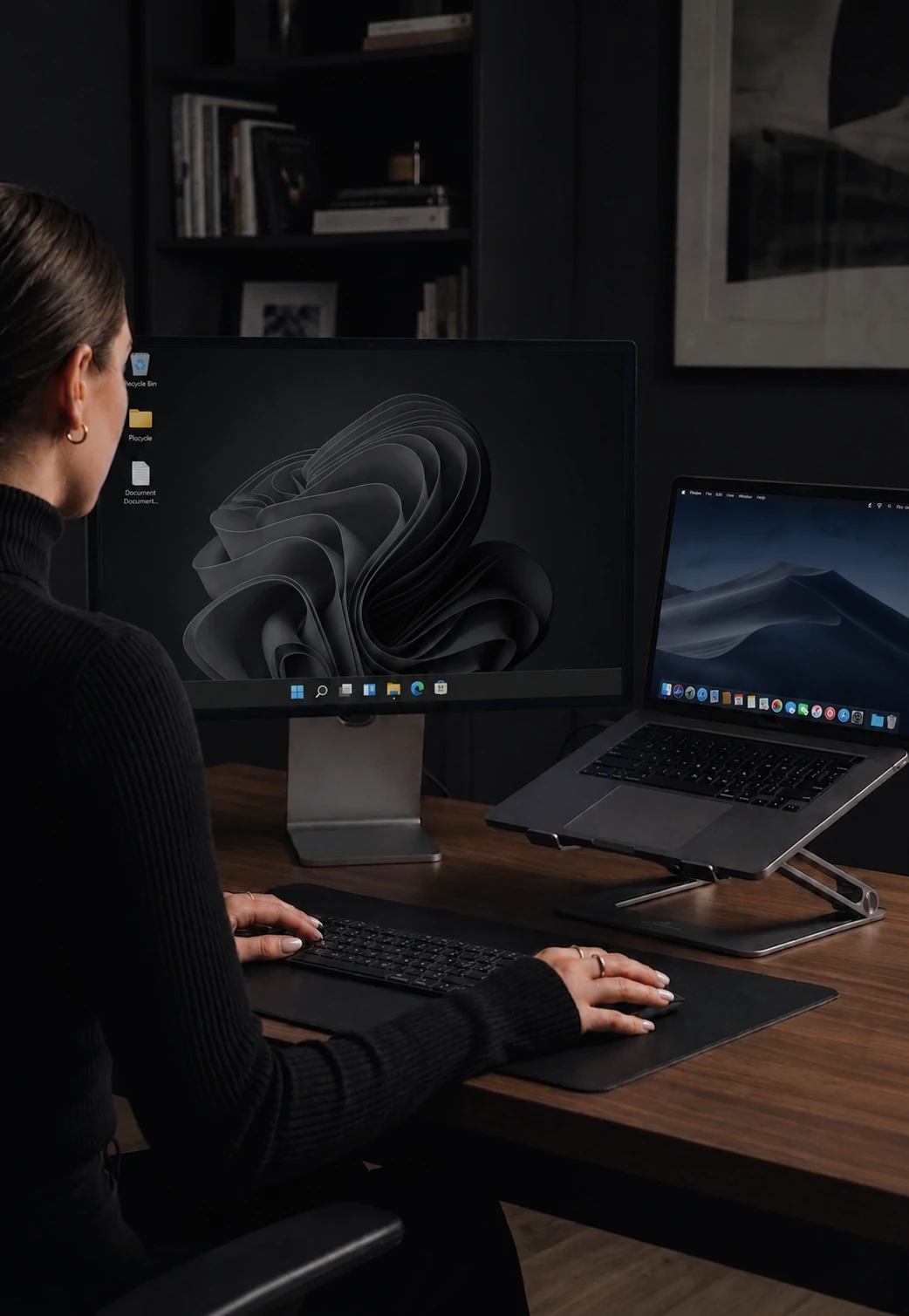

Tune every computer to feel like its own
Mouse speed, scroll, edge behaviour, and shortcuts, set per device and applied instantly.
Each computer, its own feel
A trackpad and a high-DPI mouse cannot share one setting. CursorHop treats every connected machine as its own settings surface so each computer feels right on the hardware it actually has. Settings save against the machine, not your account - bring a new laptop in and it gets its own defaults.
What you can tune
Mouse speed, scroll speed, edge behavior, and the keyboard shortcut profile that computer should use. Adjust them once per machine and they stick.
Mouse and scroll
Slide for faster or slower. The defaults are calibrated to feel like the cursor and scroll wheel do when used directly on that computer, so you usually only need small adjustments.
Edge behavior
By default the cursor crosses to the next computer the moment it touches the screen edge. If you keep crossing by accident while reaching for the Dock or the taskbar, you can add a small dwell time so the crossing only fires when you actually want it to.
Live-applied
Move a slider, the next mouse movement uses the new value. No "Apply" button, no restart, no reconnect.
Tier availability
All plans - free trial, Pro, Pro Plus, and Max. We do not gate input feel behind a paid plan.
How it compares
Most software KVMs expose one set of global tweaks. CursorHop is the one that gets per-device right. See the full comparison hub.
Per-Device Settings FAQ
Why per-device settings instead of one global config?
Because your machines are not identical. The MacBook has a trackpad and a Retina display; the desktop has a gaming mouse and big monitors. One global setting cannot serve both. Per-device lets each computer feel right on its own hardware.
What can I tune per device?
Mouse speed, scroll speed, edge behavior, and your keyboard shortcut profile. Each setting saves against the machine, not your user account.
Do I have to restart the app after changing a setting?
No. Settings apply instantly. Move a slider and the next mouse movement uses the new value.
What is the edge delay actually for?
It is the small pause you have to hold the cursor at the edge before it crosses to the next computer. Default is instant. Bump it up if you keep crossing by accident when reaching for the Dock or the taskbar.
Which tiers include per-device tuning?
All of them. Sensitivity, scroll, edge behavior, and shortcut profiles are core to making multi-machine input feel right. Free trial, Pro, Pro Plus, and Max all get the full settings.
Related features
Mouse Sharing
Edge-based pointer switching that feels lag-free on LAN.
Keyboard Shortcuts
Mac and Windows keyboard layouts translated automatically.
Layout Editor
Drag your screens on a canvas to match your physical desk.
Cursor Lock & Game Mode
Pin the pointer on one screen for FPS games and drags.