Lock one machine, every computer follows
Lock, sleep, shutdown, and restart, synchronised across every computer. Toggle each event.
One machine triggers, every peer follows
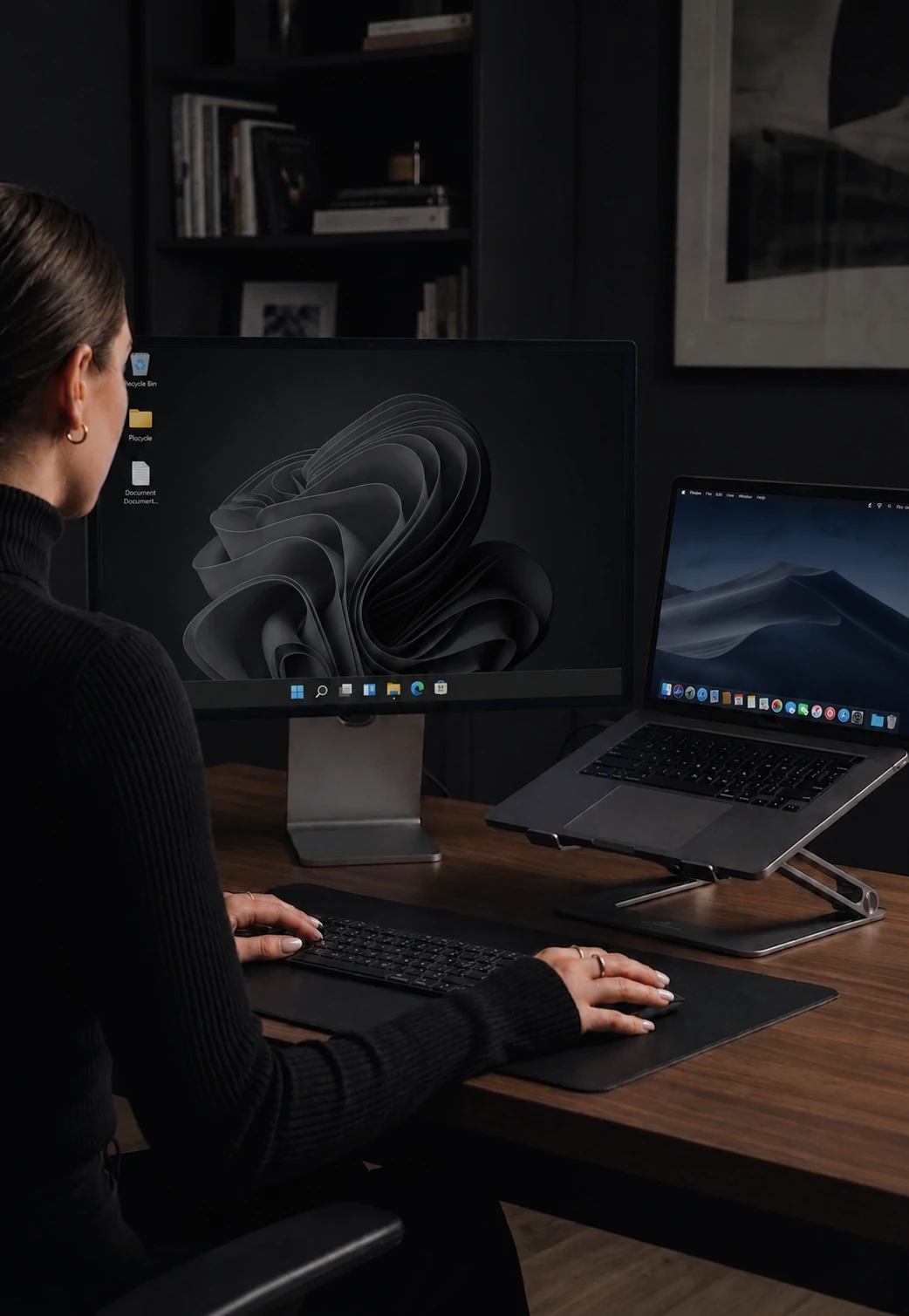
You walk away from your desk. You hit the lock shortcut on your laptop. Your laptop locks. Your desktop, sitting next to it, stays wide open. That is the gap Power & Session Sync closes.
The same applies to sleep, shutdown, restart, and screensaver. End of day: hit shutdown on one machine, both go down. Step away for coffee: lock once, lock everywhere. No "did I lock the other computer?" doubt.
Pick which events sync
By default only Lock is on - the safest starting point. Open settings and turn on the events you want synchronized. Most people add Sleep and Screensaver. A smaller number turn on Shutdown.
What it is not
Power & Session Sync does not wake your other machines from sleep. It does not turn off a remote computer from the lock screen. It mirrors events that you trigger locally. To wake a sleeping machine, walk over and press a key.
Tier availability
Max only. It is one of the two features that distinguish Max from Pro Plus - alongside display dimming.
How it compares
Synergy, Barrier, Mouse Without Borders, and Logitech Flow do not sync power or session events across machines. This is unique to CursorHop among current software KVMs. See CursorHop vs Synergy and the full comparison hub.
Power & Session Sync FAQ
What does Power & Session Sync do?
When you lock, sleep, shut down, restart, or trigger the screensaver on one computer, every connected machine follows along. Lock your Mac at the end of the day, your Windows desktop locks too.
Which events sync?
Lock, unlock, sleep, shutdown, restart, and screensaver. Each one can be turned on or off in settings, so you can sync locks only and leave shutdown out, or any combination you want.
Does it sync in both directions?
Only the machine where you initiate the action sends the sync to its peers. Peers do not send it back.
Does CursorHop need special permissions for this?
No. The same everyday permissions any well-behaved app uses. Nothing exotic.
Which tier includes Power & Session Sync?
Max only. It is one of the two headline features that separates Max from Pro Plus, alongside display dimming.
Related features
Display Dimming
Inactive screens fade automatically when you switch focus.
Encryption
Everything CursorHop sends between machines is encrypted.
Per-Device Settings
Mouse, scroll, and shortcut tuning per connected machine.
Cursor Lock & Game Mode
Pin the pointer on one screen for FPS games and drags.