
CursorHop vs Input Director
Dependable and free at home, but Windows-only, manually configured, and it needs a paid quote the moment the machine is a work machine.
The honest read
Input Director has been doing this for a long time and does it steadily. Windows 11 back to Windows 7, encryption you can switch on, clipboard sharing that carries files, and a master-and-slave model that people run for years without touching. If your desk is all Windows and all at home, it is a reasonable free answer and there is no need to be dramatic about it.
Two limits decide it for most people. First, there is no macOS build, and none has been announced. One Mac on the desk and Input Director is out of the conversation. Second, the free licence is strictly personal, at-home, non-commercial use. A work laptop, a freelance setup, or an office desk needs a commercial licence, and the commercial price is not published anywhere: you email their sales address and wait for a quote.
Configuration is also manual by design. You add each computer by hostname or IP and authorise it from the other end. Reliable, but it is a setup session rather than a minute.
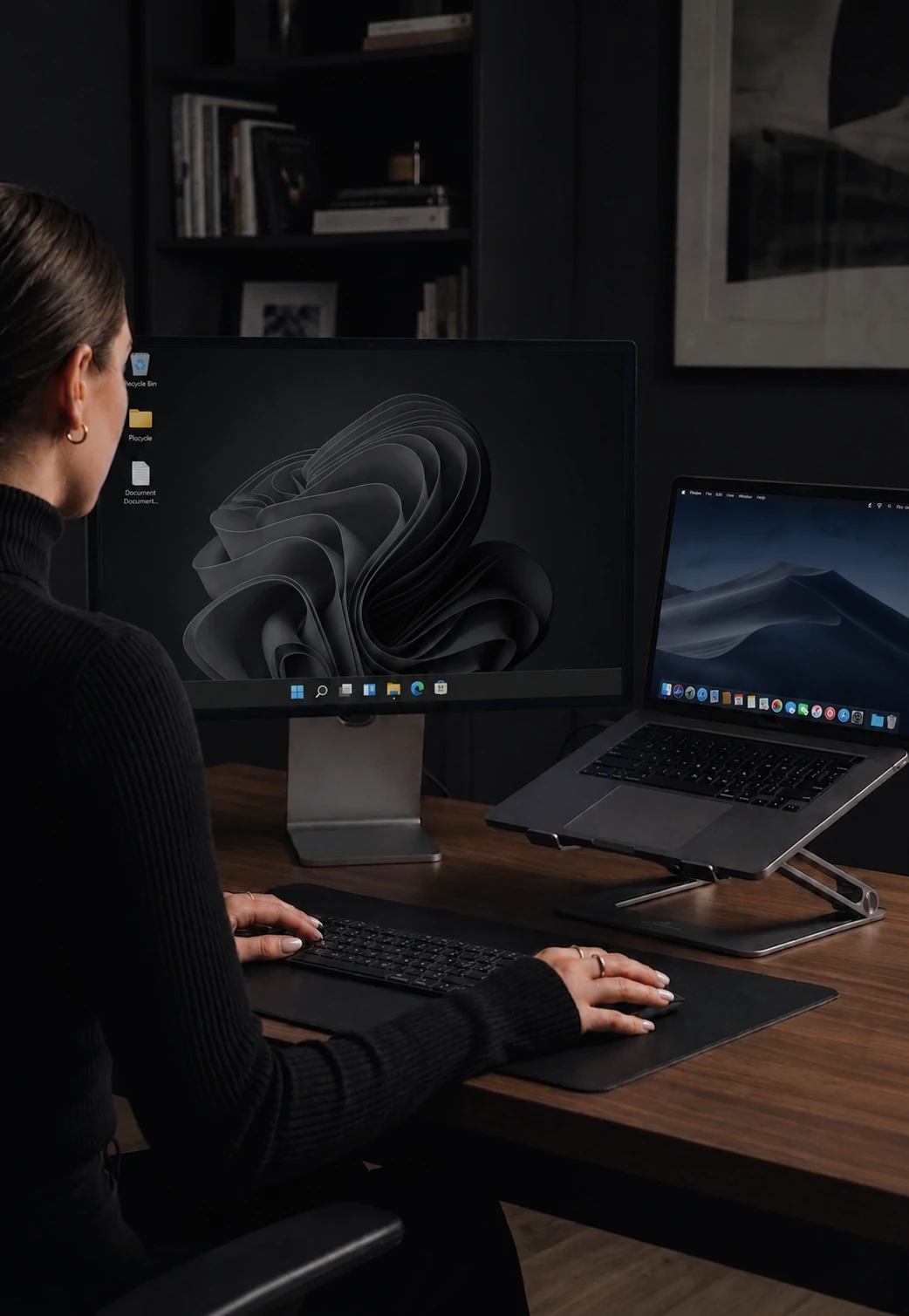
CursorHop covers Windows 10 or later and macOS 12 or later in one layout, discovers the other machines over mDNS so there are no hostnames to type, and encrypts with the Noise protocol on every tier by default rather than as an option. The input engine is native Rust holding around 7 ms median latency on gigabit LAN, drag-and-drop file transfer runs at roughly 70 Mbps, and the published price is $10 one-time for two computers with commercial use included.
See also: CursorHop vs Mouse Without Borders and CursorHop vs Synergy, or scan the full KVM comparison matrix. Feature deep-dives: auto discovery and encryption.
What each one ships today
Apples to apples. No footnotes-on-footnotes.
| Feature | Input Director | CursorHop |
|---|---|---|
| Engine | Native Windows (C++) | Rust (native, no GC) |
| Windows | Windows 11, 10, 8/8.1, 7 | Windows 10+ |
| macOS | No | macOS 12+ |
| Linux | No | Coming soon |
| Personal use | Free, home and non-commercial only | From $10 one-time |
| Commercial use | Separate licence, price not published | Covered by every tier |
| Encryption | Optional, switched on in settings | Noise, on by default every tier |
| Clipboard - text and images | Yes | Yes, every tier |
| File transfer | Via clipboard copy and paste | Native drag-drop, ~70 Mbps |
| Ctrl to Cmd translation | N/A, no Mac | Automatic both ways |
| Discovery | Manual, add each host by name or IP | Automatic over mDNS |
| Screen dimming | No | Auto-dim inactive screens |
| Game Mode (raw input) | No | Raw input mode for full-screen games |
| Latest version | v2.4 | Shipping continuously |
CursorHop latency and throughput figures come from internal gigabit-LAN testing with both machines on the same switch. Real-world results vary with hardware, Wi-Fi congestion, and driver configuration. Competitor features and prices can change, so confirm current details with the vendor before purchasing.
Pick Input Director if…
- Every machine is Windows, and it is a home desk.
- You want zero cost and are comfortable adding each computer by hostname or IP.
- You still run Windows 7 or 8, which CursorHop does not support.
Pick CursorHop if…
- There is a Mac on the desk. Input Director has no macOS build at all.
- The computers are work machines. The free Input Director licence does not cover that.
- You want a published price rather than a sales email thread.
- You want machines to find each other automatically instead of typing in hostnames.
- You want drag-and-drop file transfer rather than clipboard copy-paste.
Quick answers
Does Input Director work on Mac?
No. Input Director is a Windows-only application, supporting Windows 11, 10, 8/8.1 and 7. There is no macOS or Linux build and none has been announced. For a desk with both a PC and a Mac, CursorHop covers Windows 10 or later and macOS 12 or later in the same layout, with Ctrl and Cmd translated automatically as control crosses between them.
Is Input Director really free?
It is free strictly for personal, at-home, non-commercial use. Any other use requires a commercial licence, and Input Director does not publish commercial pricing: their site directs you to email sales for a quote. CursorHop publishes one price, from $10 one-time for 2 computers, and the same licence covers commercial use.
Can I use Input Director at work?
Not on the free licence. The free terms are explicitly limited to personal at-home non-commercial use, so a work laptop or an office desk needs a paid commercial licence obtained by contacting their sales team. Every CursorHop tier covers commercial use with no separate agreement and no quote process.
Does Input Director encrypt its traffic?
Yes. Input Director offers encryption of network data between the computers it controls, though it is a setting you enable rather than the default. CursorHop encrypts with the Noise protocol on every tier including the free trial, with nothing to switch on and no way to accidentally run unencrypted.
Which is easier to set up?
Input Director works on an explicit master and slave model where you add each computer by hostname or IP and authorise it from the other side. It is dependable but manual. CursorHop discovers the other machines on your local network over mDNS and you drag the screens into position, which is why setup usually lands under a minute.
Does Input Director still get updates?
It is a long-running, stable project rather than a fast-moving one, currently at version 2.4. If you value a tool that has barely changed in years because it already does what you need, that is a genuine strength. If you want ongoing platform support and new features, CursorHop is in active full-time development.
Any platform. Any desk. One price.
7-day free trial. No credit card. Full feature set.
Input Director is a trademark of its respective owner. CursorHop is not affiliated with, endorsed by, or sponsored by Input Director. CursorHop is an independent product and is not affiliated with, endorsed by, or sponsored by the aforementioned. All trademarks are the property of their respective owners. Comparison claims are based on publicly available product pages, documentation, and user reports.