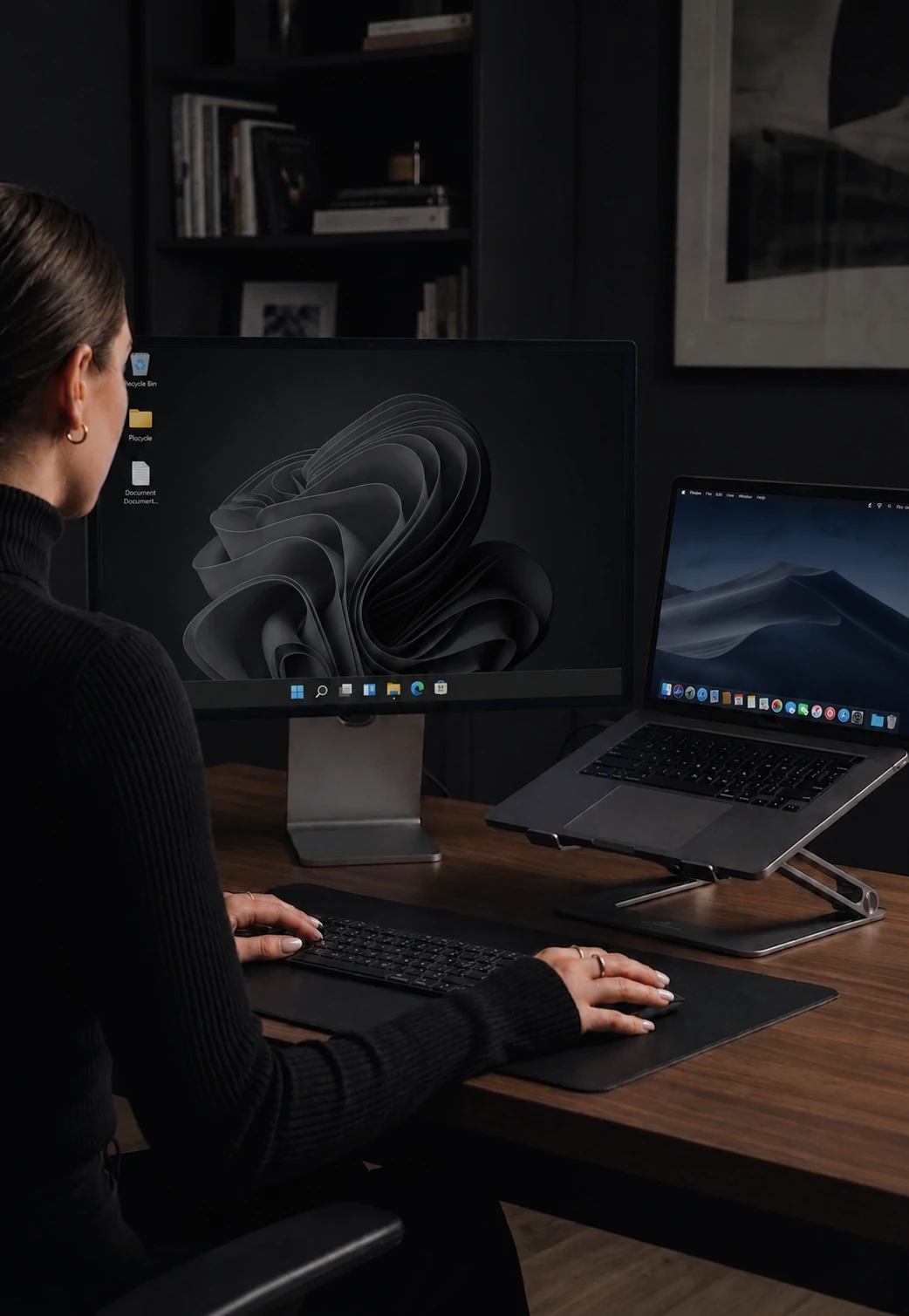

Pin your cursor when you need it to stay put
Hold the pointer on one screen with a hotkey. Game Mode is built for full-screen FPS.
Cursor Lock
Sometimes you want the cursor to stay put. Dragging a selection, scrubbing a video timeline, copy-pasting between windows, presenting full-screen - any moment where an accidental edge crossing would break your flow. Cursor Lock keeps the pointer on one machine until you decide to let it go.
Two ways to turn it on. Use the built-in hotkey, or flip on the Scroll Lock toggle in settings if you prefer a dedicated key. A small overlay confirms the state so you always know whether the cursor is free or locked.
Game Mode
Game Mode is a stricter cursor lock for full-screen FPS games. Your aim feels native, exactly the way the game expects, and CursorHop stays transparent in the loop.
It turns itself off automatically when you switch back to another computer, when a peer disconnects, or when you change your screen layout. You cannot accidentally leave it on across sessions.
Tier availability
Cursor Lock is included on every tier - free trial, Pro, Pro Plus, and Max. Game Mode is included on the free trial, Pro Plus, and Max. Pro is the only tier without Game Mode.
How it compares
Synergy and Barrier offer a basic lock toggle but do not handle FPS games well. Mouse Without Borders and Logitech Flow have no game-mode equivalent. See CursorHop vs Synergy and the full comparison hub.
Cursor Lock & Game Mode FAQ
How do I lock the cursor on one computer?
Use the built-in hotkey, or enable Scroll Lock as a toggle in settings. The pointer stays on that screen until you turn it off.
What is Game Mode?
Game Mode is a stricter cursor lock built for full-screen FPS games. The pointer stays where the game expects it and CursorHop stays out of the way so your aim feels native.
How do I turn Game Mode on?
Open the dashboard, hit the Game Mode toggle, or use the configurable hotkey. Game Mode turns itself off automatically when you switch peers, disconnect, or change the screen layout - so you never get stuck.
Which tiers include Cursor Lock and Game Mode?
Cursor Lock is on every tier including the free trial. Game Mode is included on the free trial, Pro Plus, and Max. Pro is the only tier without Game Mode.
What happens if my cursor gets stuck hidden?
CursorHop restores cursor visibility automatically if a game or app leaves the pointer hidden. You will not end up with an invisible pointer between sessions.